• Home
  • Latest
  • Fortune 500
  • Finance
  • Tech
  • Leadership
  • Lifestyle
  • Rankings
  • Multimedia

Trendingnow

1

Philanthropy leader at Warren Buffett and Bill Gates’ Giving Pledge says children of billionaires are pushing them to give their wealth away faster

2

Meet a 71-year-old who retired as a radiologist and professor, and now runs a banana-skewer business: ‘I never want to retire. Why would you do that?’

3

China suffers another setback in effort to de-dollarize global finance as anchor in the greenback's dominance quietly exits Beijing's payment scheme

1

Philanthropy leader at Warren Buffett and Bill Gates’ Giving Pledge says children of billionaires are pushing them to give their wealth away faster

2

Meet a 71-year-old who retired as a radiologist and professor, and now runs a banana-skewer business: ‘I never want to retire. Why would you do that?’

3

China suffers another setback in effort to de-dollarize global finance as anchor in the greenback's dominance quietly exits Beijing's payment scheme
TechThe Mobile Executive

How to Make Calls on Your iPhone Without Cell Service

By
Lisa Eadicicco
Lisa Eadicicco
and
TIME
TIME
Down Arrow Button Icon
By
Lisa Eadicicco
Lisa Eadicicco
and
TIME
TIME
Down Arrow Button Icon
December 6, 2016, 9:01 AM ET
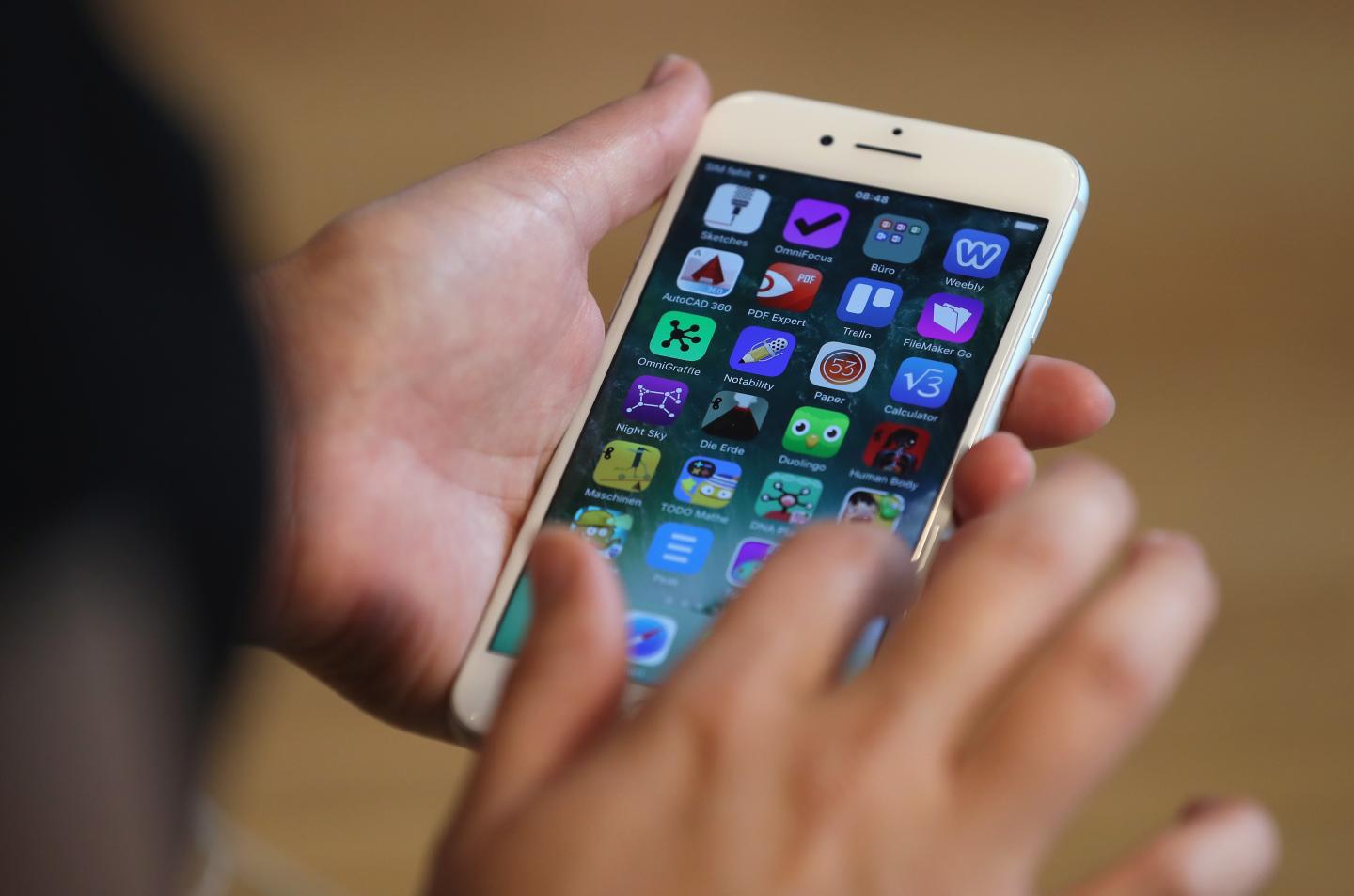
Photograph by Sean Gallup—Getty Images
Google source logo
Add Fortune on Google for similar content.

Thanks to apps like Facebook Messenger and Skype, it’s possible to call nearly anyone regardless of whether or not you have a carrier plan or even know the recipient’s phone number.

But an increasing number of phones and carriers are beginning to support Wi-Fi calling too. As its name implies, Wi-Fi calling is a feature that makes it possible to place a call so long as your phone is connected to Wi-Fi. This means if you’re stuck in an area with poor cell reception, you’ll still be able to make a phone call by connecting to a Wi-Fi network.

There’s no need to launch an app or send a request to the recipient like you might have to when using Messenger (FB) or Skype (MSFT) because Wi-Fi calling is integrated directly into your phone. You can place a call as you normally would through your phone’s dialer or contact list.

Get Data Sheet, Fortune’s technology newsletter.

Not every phone on every carrier supports Wi-Fi calling, but Verizon (VZ), AT&T (T), Sprint (S), and T-Mobile (TMUS) have guides available online that offer more details on their specific policies. It’s important to note that if you’re using Wi-Fi calling for international calls, fees will likely still apply so check with your carrier.

The video above will show you how to turn on Wi-Fi calling in your iPhone’s (AAPL) settings menu. After following those steps, your carrier may also ask you to enter an address in case a Wi-Fi connection cuts out during an emergency call to 911. When setting up Wi-Fi calling for the first time, you may need to be connected to your carrier’s data network.

This article originally appeared on Time.com.

About the Authors
By Lisa Eadicicco
See full bioRight Arrow Button Icon
By TIME
See full bioRight Arrow Button Icon

Latest in Tech


Most Popular

Fortune Secondary Logo
Rankings
  • 100 Best Companies
  • Fortune 500
  • Global 500
  • Fortune 500 Europe
  • Most Powerful Women
  • World's Most Admired Companies
  • See All Rankings
  • Lists Calendar
Sections
  • Finance
  • Fortune Crypto
  • Features
  • Leadership
  • Health
  • Commentary
  • Success
  • Retail
  • Mpw
  • Tech
  • Lifestyle
  • CEO Initiative
  • Asia
  • Politics
  • Conferences
  • Europe
  • Newsletters
  • Personal Finance
  • Environment
  • Magazine
  • Education
Customer Support
  • Frequently Asked Questions
  • Customer Service Portal
  • Privacy Policy
  • Terms Of Use
  • Single Issues For Purchase
  • International Print
Commercial Services
  • Advertising
  • Fortune Brand Studio
  • Fortune Analytics
  • Fortune Conferences
  • Business Development
  • Group Subscriptions
About Us
  • About Us
  • Press Center
  • Work At Fortune
  • Terms And Conditions
  • Site Map
  • About Us
  • Press Center
  • Work At Fortune
  • Terms And Conditions
  • Site Map
  • Facebook icon
  • Twitter icon
  • LinkedIn icon
  • Instagram icon
  • TikTok icon
  • YouTube icon

    Latest in Tech


    Most Popular

    © 2026 Fortune Media IP Limited. All Rights Reserved. Use of this site constitutes acceptance of our Terms of Use and Privacy Policy | CA Notice at Collection and Privacy Notice | Do Not Sell/Share My Personal Information
    FORTUNE is a trademark of Fortune Media IP Limited, registered in the U.S. and other countries. FORTUNE may receive compensation for some links to products and services on this website. Offers may be subject to change without notice.